Your originals are never touched
Ratings, keywords and notes go into a standard .xmp file next to each photo. Uninstall tomorrow and you lose nothing.
Negativo catalogs the photos already sitting on your disks. No import. No copies. No lock-in.
In developmentComing to macOS 15 or later · one-time purchase
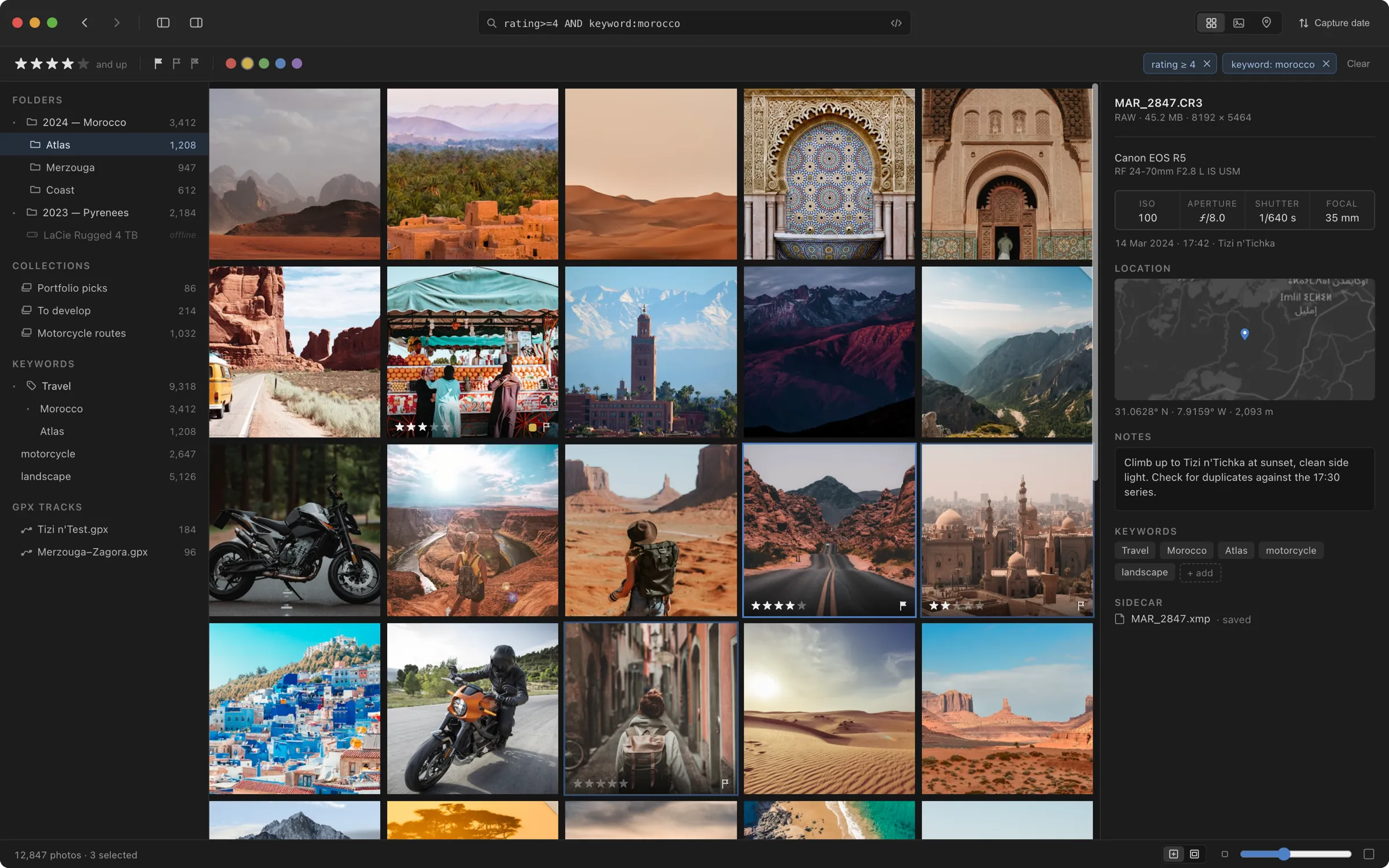
Ratings, keywords and notes go into a standard .xmp file next to each photo. Uninstall tomorrow and you lose nothing.
Native, no Electron. 100,000 photos filtered in under 50ms.
Open any shot in Pixelmator Pro, Photoshop or Affinity. The result comes back stacked next to the original.
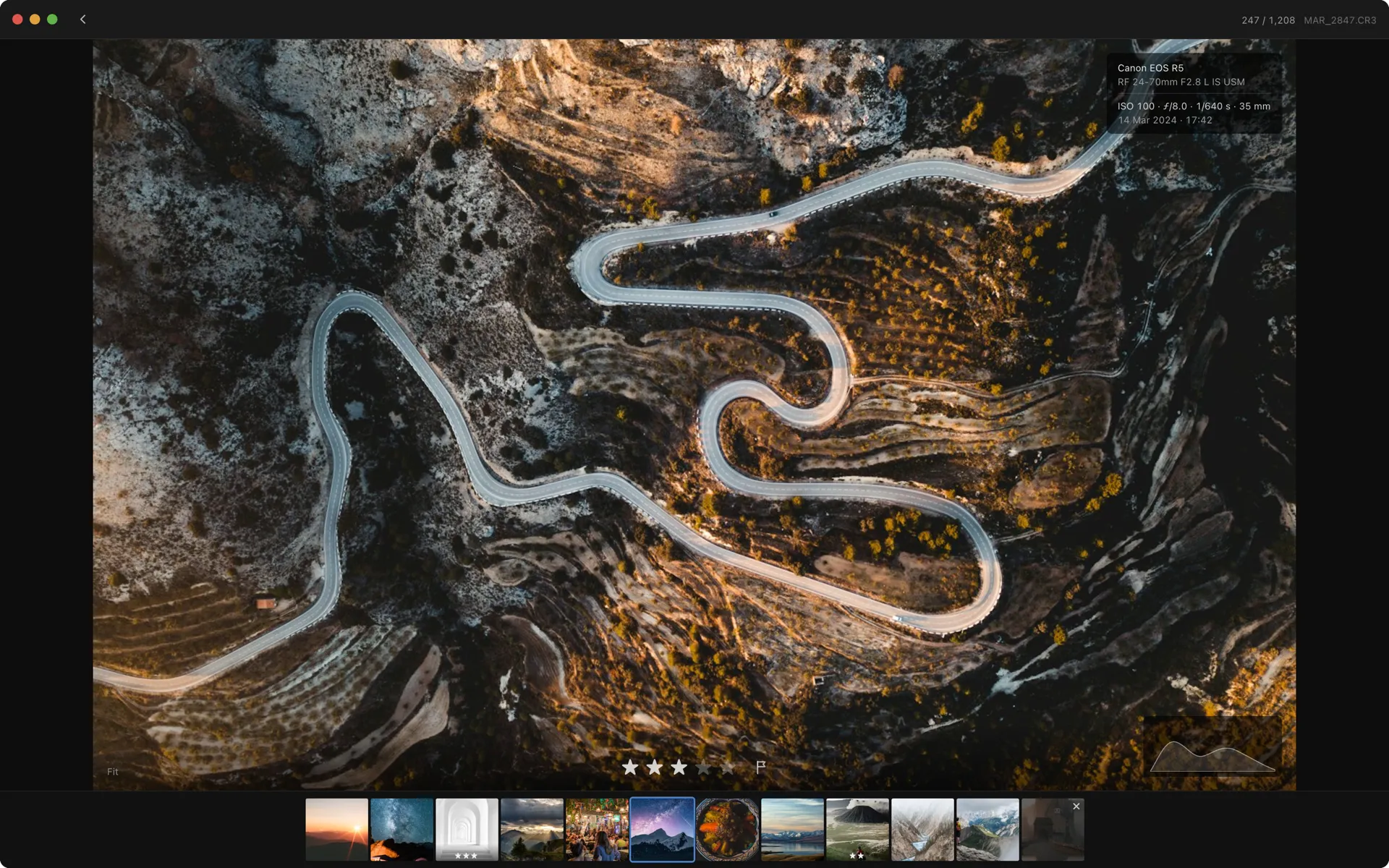
Full-screen, keyboard-driven, no panels in the way. Arrow keys to move, numbers to rate, P and X for picks and rejects. The interface gets out of the way and comes back when you need it.
Drop in a GPX file and Negativo matches every photo to the route by timestamp. Rides, hikes, road trips — the whole archive on a map, without a single manual pin.
Map data © OpenStreetMap contributors
The catalog is an index, not a vault. Delete it and Negativo rebuilds itself by reading the sidecars off your disk. Your archive was never ours to hold.
No. It's a catalog, not an editor. There are no sliders, no presets, no develop module. When you want to edit, Negativo opens the file in Pixelmator Pro, Photoshop, Affinity or whatever else you have installed.
Nothing. Negativo never writes a single byte into your RAW files. Ratings, keywords, notes and locations go into a standard .xmp sidecar next to each photo — the same format Lightroom and Bridge read.
[PENDING — se completará tras las pruebas con archivos reales]
No. You point Negativo at folders on your disks and it indexes them where they are. Nothing is moved, copied or renamed.
They stay in your catalog. You can still browse thumbnails, search and filter. Reconnect the drive and the full-size files are available again.
No. One payment, and the app is yours. Updates are free for a year after purchase.
No. There is no account, no sync, no telemetry. The app doesn't talk to any server at all.
Yes. Because Negativo writes standard XMP sidecars, ratings and keywords you add are visible in Lightroom, Bridge and other tools that read the format.
Yes. Negativo runs natively on both Apple silicon and Intel, macOS 15 or later.
Negativo rebuilds it by reading the sidecars off your disk. The only things that don't survive are collections and stacks, since those are relationships between files rather than properties of one.
Price:69US dollars, one-time
One-time purchase. Free updates for a year.
In developmentThe trial will be 30 days, full version, no account required.